




How do I log in?
There are two ways to log in.
1. Sign in with your Google account
If you have a Google account (gmail.com), please click Get started with Google on the screen below.
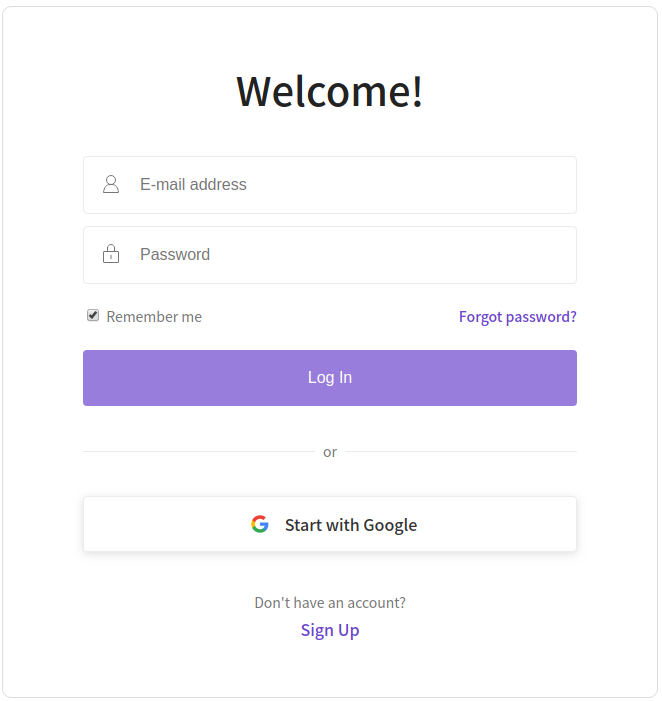
Then you can select the Google account you want to use for login.
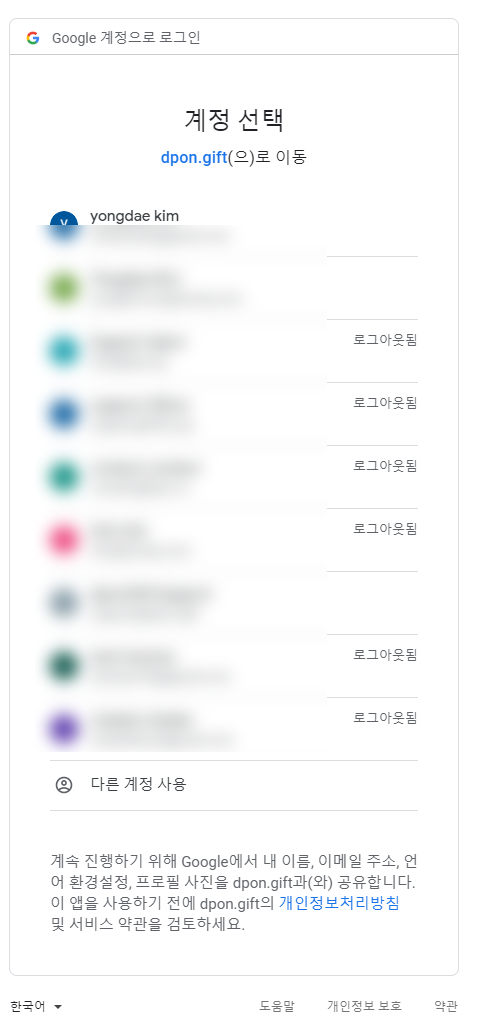
2. Sign up by email and log in
Click Register. Please enter your name, email address and password.
Please double check your email address. If your email address is incorrect, you may not receive the gifts you purchase or payment receipts.
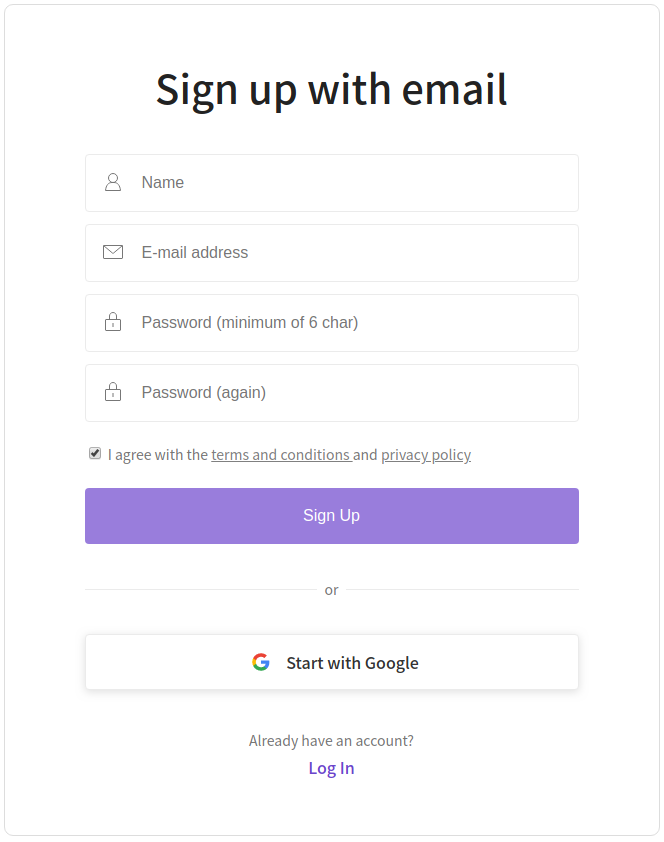
After entering your information and clicking Sign up, we will send you a verification email. Please click the link in that email within 24 hours to complete verification.
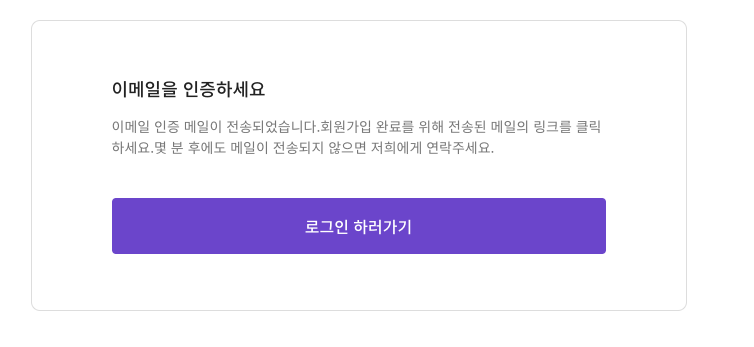
If you don't receive the verification email, please first check your spam folder (or Promotions/Ads folder). If you still can't find it, please send an email to support@dpon.gift from the address you used to sign up, and we'll help you out.
Once your email is verified, log in with the email and password you used at sign-up.